
Move your recipe collection
Bring your recipes with you.
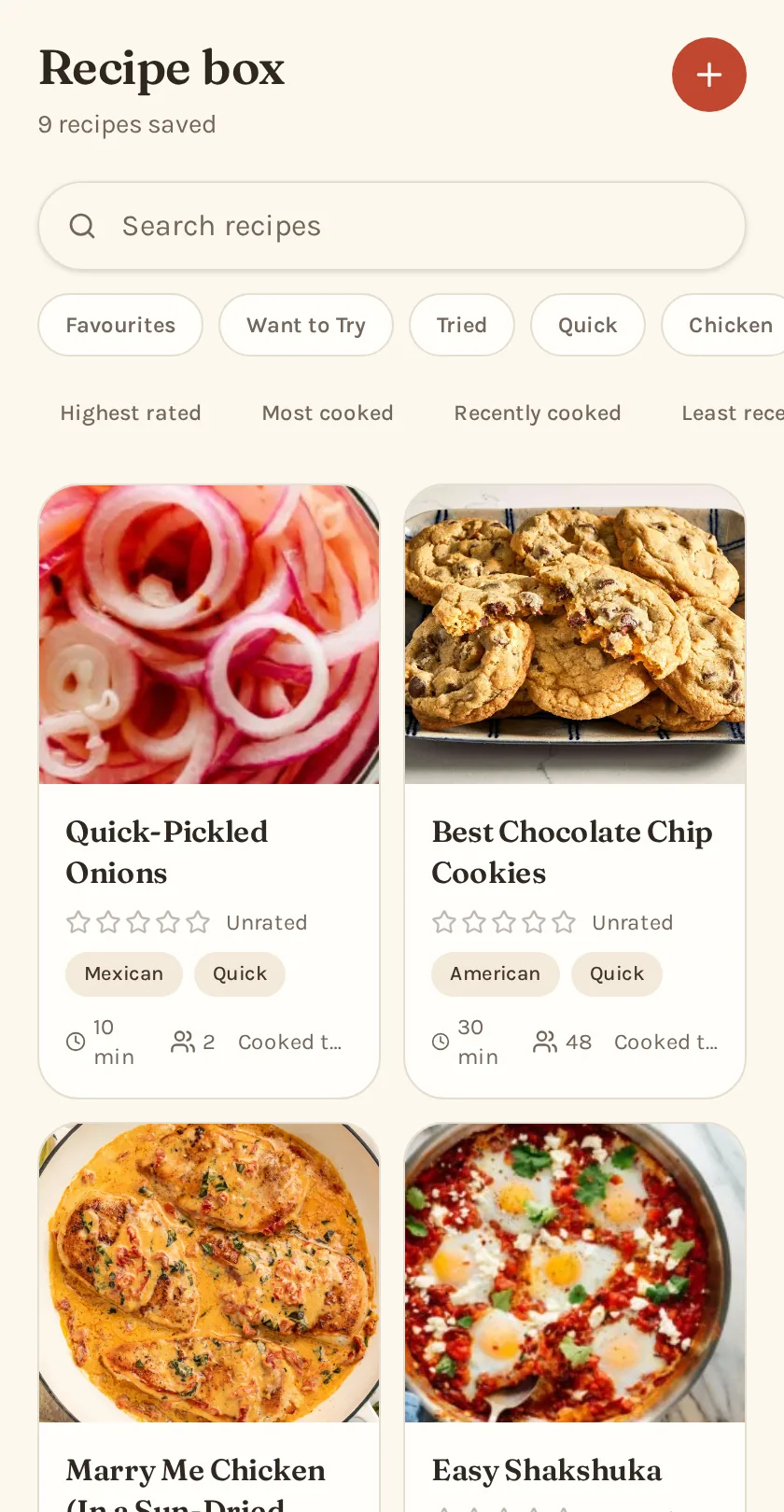
If you've built up a recipe collection in another app, you don't have to start over. Export your collection, upload it to Second Helping, and bring your recipes, photos, ratings and source links with you where they're available.
Free to use. Your imported recipes stay private to your household.
Ways to bring recipes in
Recipe websites
Paste a recipe link and Second Helping pulls in the recipe for you to review.
Paprika
Upload your export file and the whole collection comes across in one go.
Pinterest boards
Paste a board link and Second Helping finds the recipes behind your Pins. More on organizing Pinterest recipes.
How the import works
- 1
Export your recipes
In your current recipe app, export your collection using its recipe export option. For Paprika, choose its standard recipe export format. You'll end up with a single file.
- 2
Upload the file
Create your free Second Helping household and upload that file. Nothing is added to your recipe box until you're ready.
- 3
Review what came across
Second Helping shows how many recipes, photos and ratings it found, and points out anything that looks like a duplicate.
- 4
Import everything at once
Hundreds of recipes come across in one go, so you can plan a week and build a grocery list right away.
What comes across
Second Helping brings over as much of your existing recipe collection as the export contains, including your own edits rather than whatever happens to be on the original website today.
- Recipe names
- Photos
- Ingredients
- Directions
- Servings
- Cooking times
- Notes
- Ratings
- Favourites
- Original source links
Your recipes can do more once they're here.
After importing, your recipes become part of the normal Second Helping experience. Rate them with your household, build weekly plans, bring old favourites back into rotation and turn the whole week into one grocery list.
- Your recipe collection
- Weekly meal plan
- Organized grocery list
Import questions
- Can Second Helping import Paprika recipes?
- Yes. Upload your Paprika export file and your whole collection comes over at once.
- How do I export my recipes from Paprika?
- Use Paprika's export option and choose its own recipe format. Then upload that file to Second Helping.
- Will my photos come across?
- Photos included in the export are imported when we can read them. A missing photo never stops the recipe itself from importing.
- Will my ratings come across?
- Ratings in the export become your personal ratings in Second Helping.
- What if I have hundreds of recipes?
- That's fine. The importer handles the whole collection in one upload rather than one recipe at a time.
- Does importing change my existing recipe collection?
- No. Second Helping creates a copy of the recipes in your household. Your original collection is left as it is.
- Is this an official Paprika integration?
- No. Second Helping is an independent application and is not affiliated with, endorsed by or sponsored by Paprika.
Paprika is a trademark of its respective owner. Second Helping is an independent application and is not affiliated with, endorsed by or sponsored by Paprika.